


MacBook vs Windows Laptop: Which Is Better? (Complete Comparison Guide)

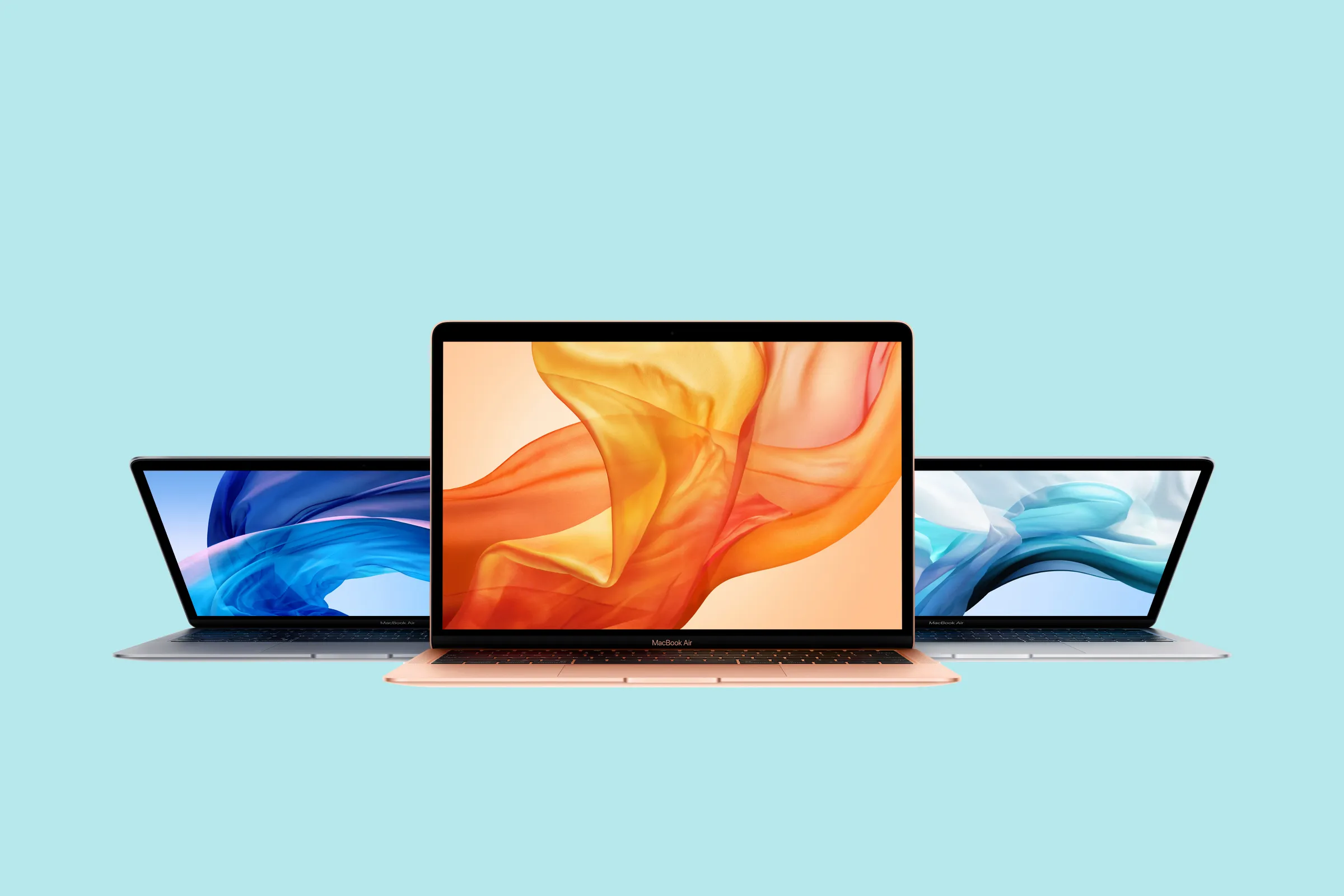
Buying a MacBook doesn’t have to drain your budget. With smart timing, the right retailers, and a few insider tricks, you can save hundreds of dollars on a new or refurbished Apple laptop. This guide breaks down the best ways to score a deal so you get maximum value for your money.
⭐ 1. Buy During Apple’s Biggest Sale Events
Apple doesn’t run steep discounts year-round, but savings show up during:
-
Back-to-School sales
-
Black Friday & Cyber Monday
-
Amazon Prime Day
-
Memorial Day & Labor Day sales
Retailers like Amazon, Best Buy, and B&H Photo often undercut Apple’s own prices during these events.
⭐ 2. Check Apple’s Certified Refurbished Store
Apple Certified Refurbished MacBooks:
-
Look brand new
-
Include a full 1-year warranty
-
Are often $150–$400 cheaper
-
Come with new batteries and outer shells
This is the safest way to buy a “like-new” MacBook without paying full price.
⭐ 3. Compare Prices Across Major Retailers
Use price tools like:
-
Honey
-
Google Shopping
-
CamelCamelCamel (Amazon price tracker)
These help you find the lowest current price and notify you of price drops.
⭐ 4. Consider Previous-Year Models
Apple’s new launches lower prices on:
-
Last-year’s MacBook Air
-
Last-year’s MacBook Pro
Performance differences are usually minimal for everyday users, but the savings can be massive.
⭐ 5. Look for Student, Teacher & Military Discounts
Apple Education Pricing saves most buyers $50–$200 on MacBooks.
Many retailers also offer:
-
Military discounts
-
First responder discounts
-
Corporate employee discounts
Even if you're not a student, a family member may qualify.
⭐ 6. Buy Open-Box or Clearance Models
Stores like Best Buy and Micro Center often have:
-
Open-box MacBooks (returned but fully inspected)
-
Floor models
-
Clearance units
These can be heavily discounted and usually still carry warranty coverage.
⭐ 7. Trade In Your Old Device
Apple, Best Buy, and Amazon offer trade-in credits.
Old MacBooks, iPads, and even Windows laptops can reduce the cost of your new Mac purchase.
⭐ 8. Don’t Overbuy—Choose the Right MacBook for Your Needs
You can save money by choosing:
-
Lower storage if you use cloud services
-
Base RAM if your workload isn’t heavy
-
The Air instead of the Pro if you don’t need pro-level performance
Pay for the features you need—not the ones you won’t use.
⭐ 9. Use Apple Card Monthly Installments (0% APR)
If you want to spread out the cost interest-free, Apple Card monthly installments can help—especially if buying during sale events.
🎯 Final Tips for the Best MacBook Deal
-
Shop during major sale seasons
-
Check the Apple Refurbished Store regularly
-
Track prices before buying
-
Don’t ignore open-box or certified refurbished options
-
Trade in your old devices to reduce cost
With the right timing and strategy, getting a high-end MacBook at a budget-friendly price is completely possible.