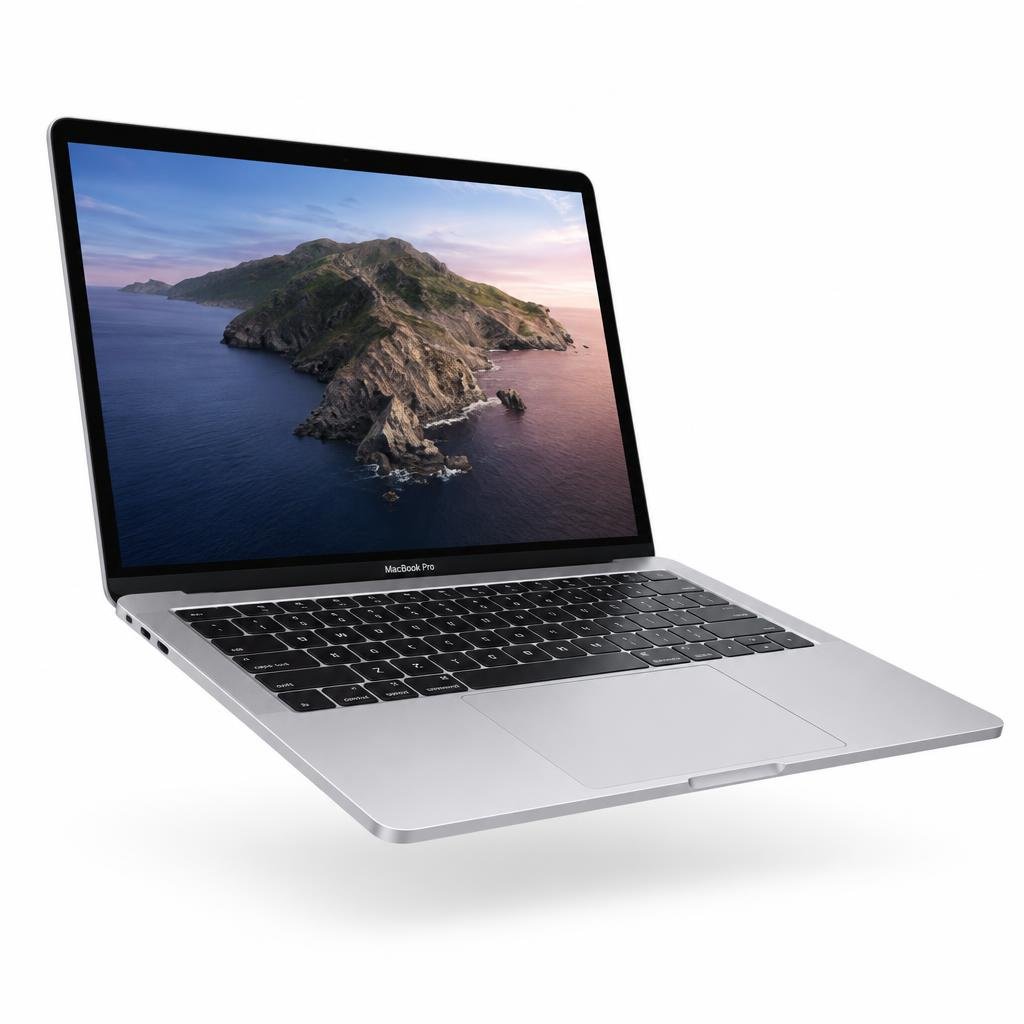

Whether you use an HP, Lenovo, Dell or any other laptop, a few simple habits make a real difference to how long it stays fast, quiet and reliable. None of them take much time, and together they can add years to your machine.
Keep it cool
Heat is a laptop's biggest enemy, especially during Lahore's summers. Work on a hard, flat surface so air can flow through the vents, and avoid using your laptop on beds, pillows or blankets that block airflow. A simple laptop stand helps both cooling and posture. Never leave it in a parked car or direct sunlight.
If the fan is constantly loud, dust may have built up inside. Having the vents cleaned once a year by a technician keeps temperatures down and protects internal parts.
Look after the battery
Modern batteries do not need to be fully drained. Try to keep charge between roughly 20 and 80 percent during daily use, and avoid leaving the laptop at 0 percent for long periods. Many Windows laptops offer a battery care mode in their settings that limits charging to protect battery health. Always use a charger designed for your device.
Update and back up
Install Windows and driver updates regularly; they fix security issues and often improve stability and battery life. Keep your important files backed up to an external drive or cloud storage, so a hardware problem never means losing your work.
It also helps to uninstall software you no longer use and keep some free storage space. A nearly full drive slows down the whole system.
Clean gently
Wipe the screen with a soft microfiber cloth, slightly dampened if needed, and never spray liquid directly onto the laptop. Clean the keyboard with a soft brush or compressed air. Keep drinks at a safe distance; spills are one of the most common reasons laptops come in for repair.
Carry it safely
Use a padded sleeve or bag when travelling, close the lid gently and avoid lifting the laptop by its screen. Unplug cables before moving it to protect the ports.
If performance or battery life suddenly changes, have the laptop checked early rather than waiting for the problem to grow. Our team at Mr MacBook can inspect it and advise whether a repair or an upgrade makes more sense.